Up to three versions of each letter
Fill in up to three copies of the sheet. The font switches between them on repeated letters, or on every letter.
 inktype.cc
Print the template, write one letter in each box and take a photo. You get a font for any computer.
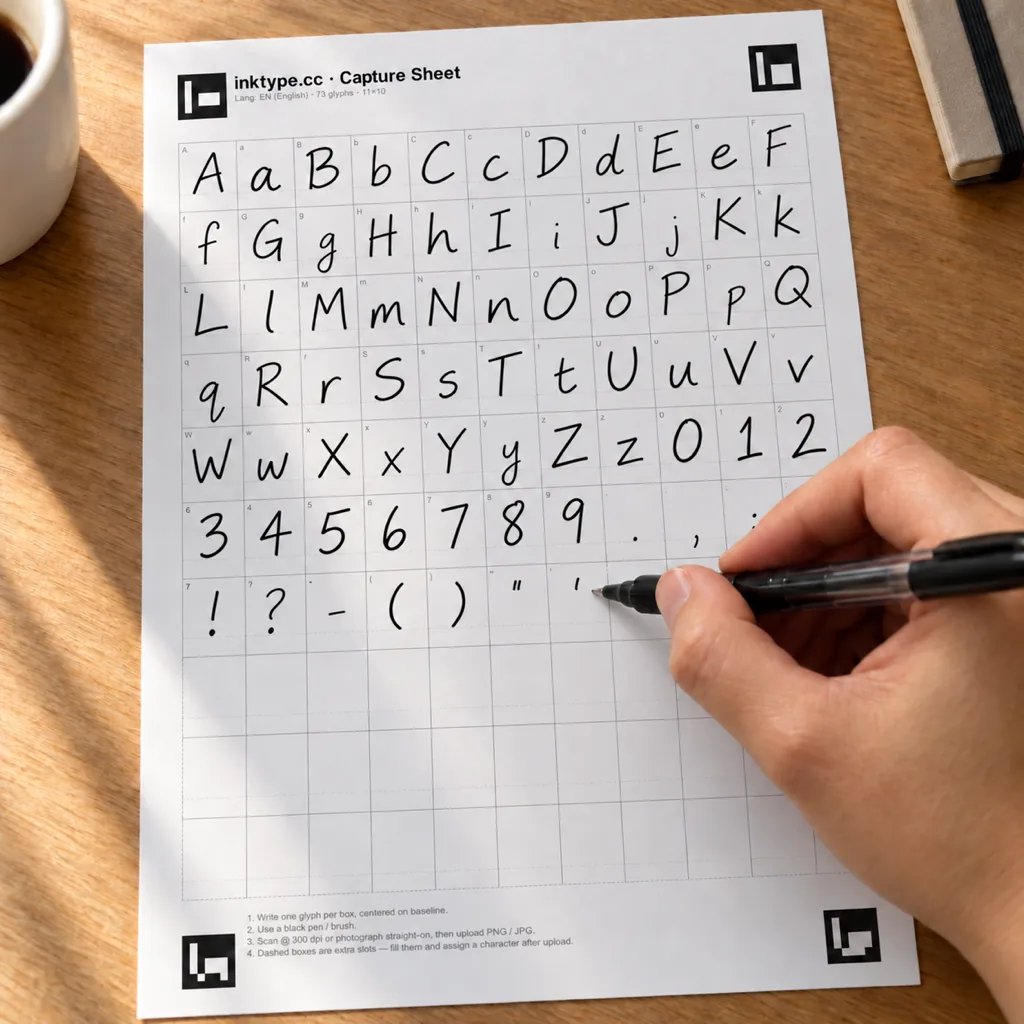

About 30 minutes from blank sheet to installed font.
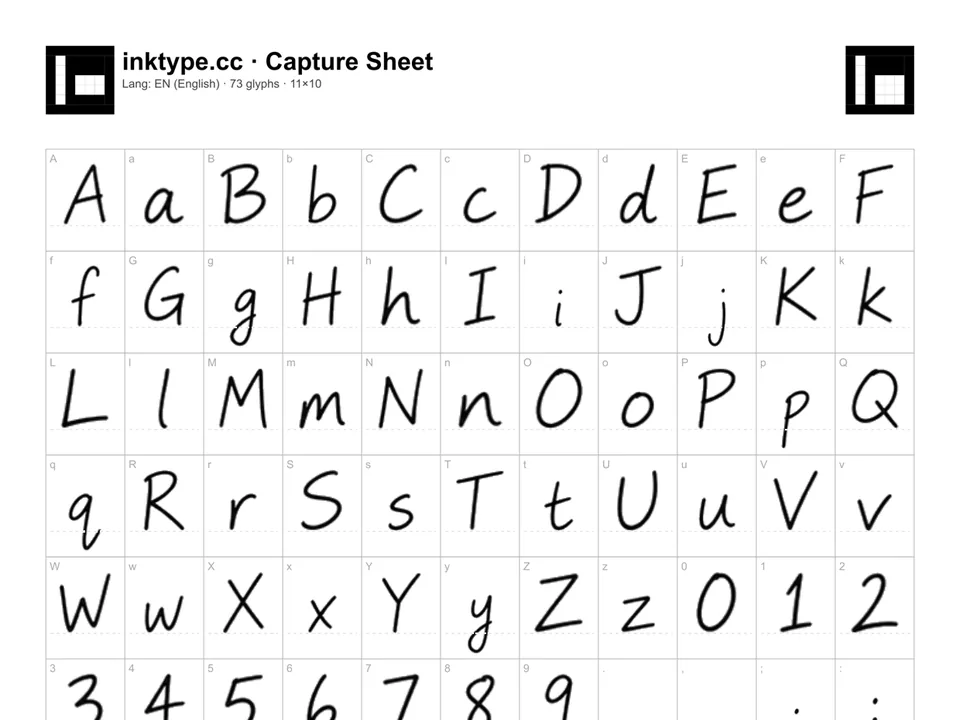
Write one character in each box with a pen, marker, or brush.
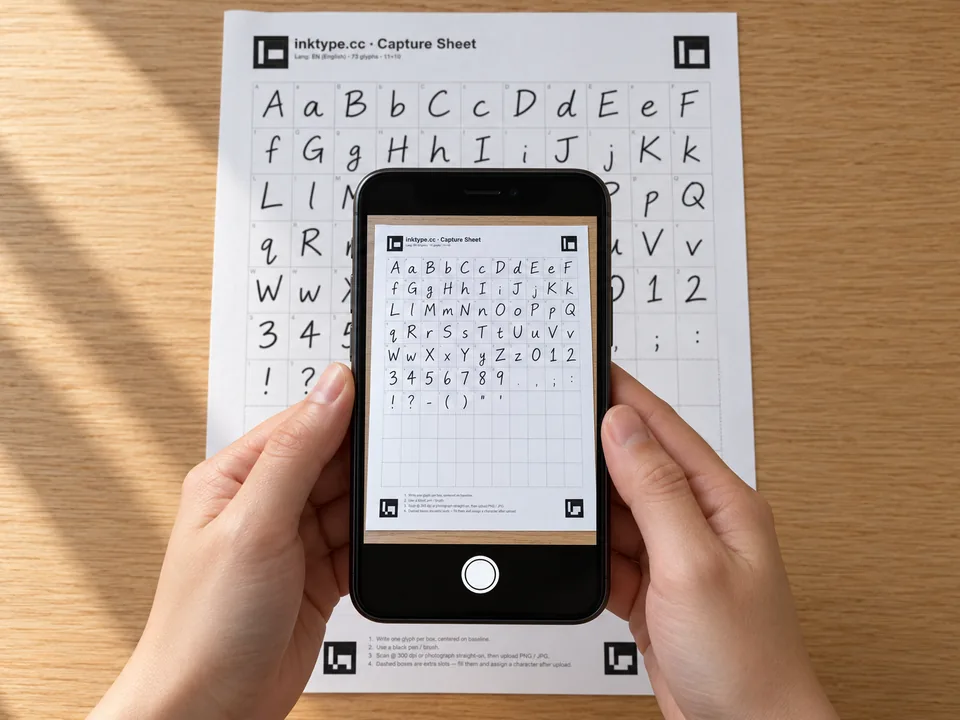
Upload a photo or scan. The app straightens the sheet and extracts your letters.
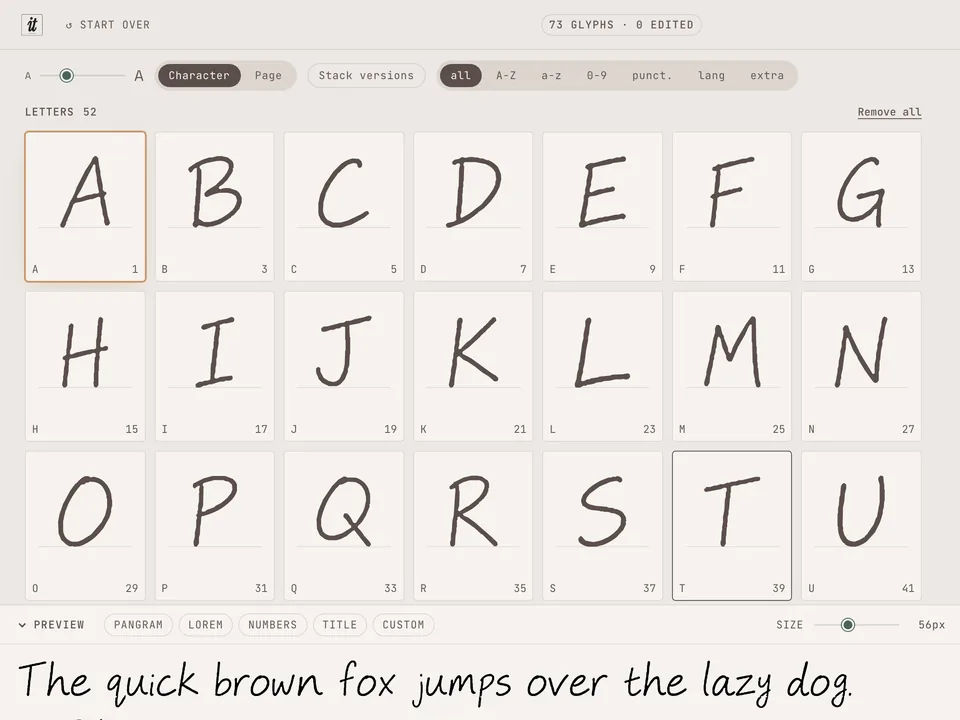
Adjust position, size, and spacing for one letter or the whole font, then export it.
Fill in up to three copies of the sheet. The font switches between them on repeated letters, or on every letter.
Each language has a ligatures sheet for the pairs you join when you write, like fi or rz.
Pairs like AV and To are spaced from the shapes of your letters. You choose how strong.
Templates in Latin, Cyrillic and Greek script, plus a blank sheet for symbols.
OTF or TTF to install on any computer, WOFF2 or WOFF for websites.
inktype reads the sheet and builds the font in your browser. There is no account, and nothing you write is uploaded. Read the privacy policy
Yes. There is no account, no trial and no limit on exports. If you want to say thanks: Buy me a coffee
The Mac App Store app is free for one project, and a one-time purchase unlocks more. Compare the website and the apps
No. Your browser reads the scan and builds the font, so your files stay on your device. The site counts a few actions, such as an export, without your files or any ID. Read the privacy policy
Your phone takes the photo. You can also fill in the PNG template on a tablet with an Apple Pencil or S-Pen. The editor needs a screen at least 980 pixels wide, so open it on a laptop or tablet.
English, Polish, German, French, Spanish, Czech, Slovak, Hungarian, Portuguese, Italian, Dutch, Swedish, Danish, Norwegian, Finnish, Russian, Ukrainian and Greek. A blank sheet takes any other characters you want to add.
A dark gel pen, felt-tip or marker, so the ink stands out from the paper. When you print the PDF, choose Fit to page. Template guide
Download the sheet, fill it in, then come back with a photo.
Desktop app for macOS & Linux: Download